


Let your agent read the app market
Give your agent ready-made tools for downloads, revenue, ranks, reviews, keywords, and ads across any app, with Vercel AI SDK, OpenAI, or LangChain.
Paste into Claude Code, Cursor, or any agent
agent.ts
$npm install @appfigures/agent-toolkit
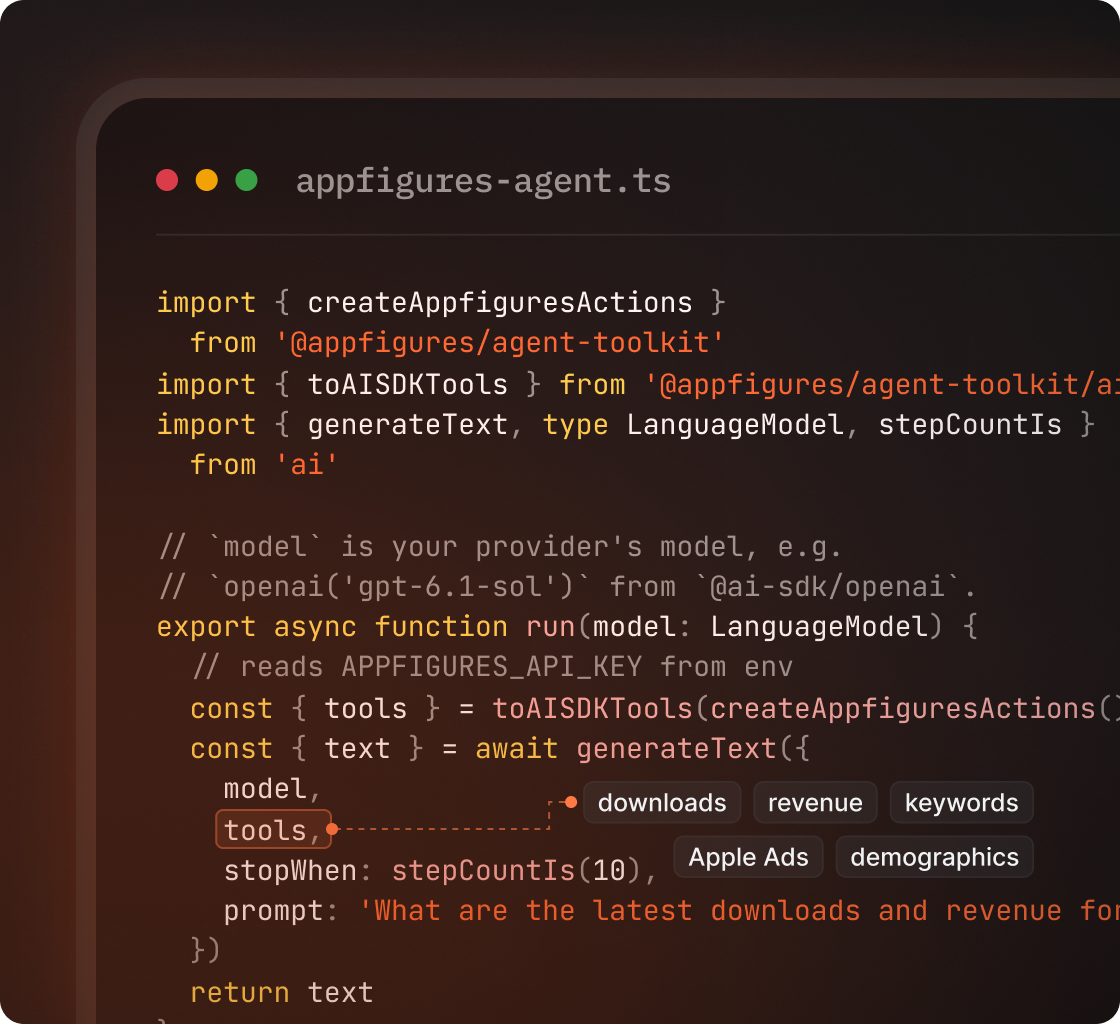
Copyconst { text } = await generateText({
model: '...',
tools: toAISDKTools(createAppfiguresActions()).tools,
prompt: 'How did my downloads trend last month?',
})
agent.ts
$npm install @appfigures/agent-toolkit
Copyconst response = await openai.responses.create({
model: '...',
tools: toOpenAIResponsesTools(createAppfiguresActions()).tools,
input: 'How did my downloads trend last month?',
})
agent.ts
$npm install @appfigures/agent-toolkit
Copyconst agent = createAgent({
model: '...',
tools: toLangChainTools(createAppfiguresActions()).tools,
systemPrompt: 'You are an app market analyst.',
})
agent.ts
$npm install @appfigures/agent-toolkit
Copyconst actions = createAppfiguresActions()
for (const tool of actions.list()) {
agent.addTool(tool, (call) => actions.execute(call))
}
report.ts
$npm install @appfigures/agent-toolkit
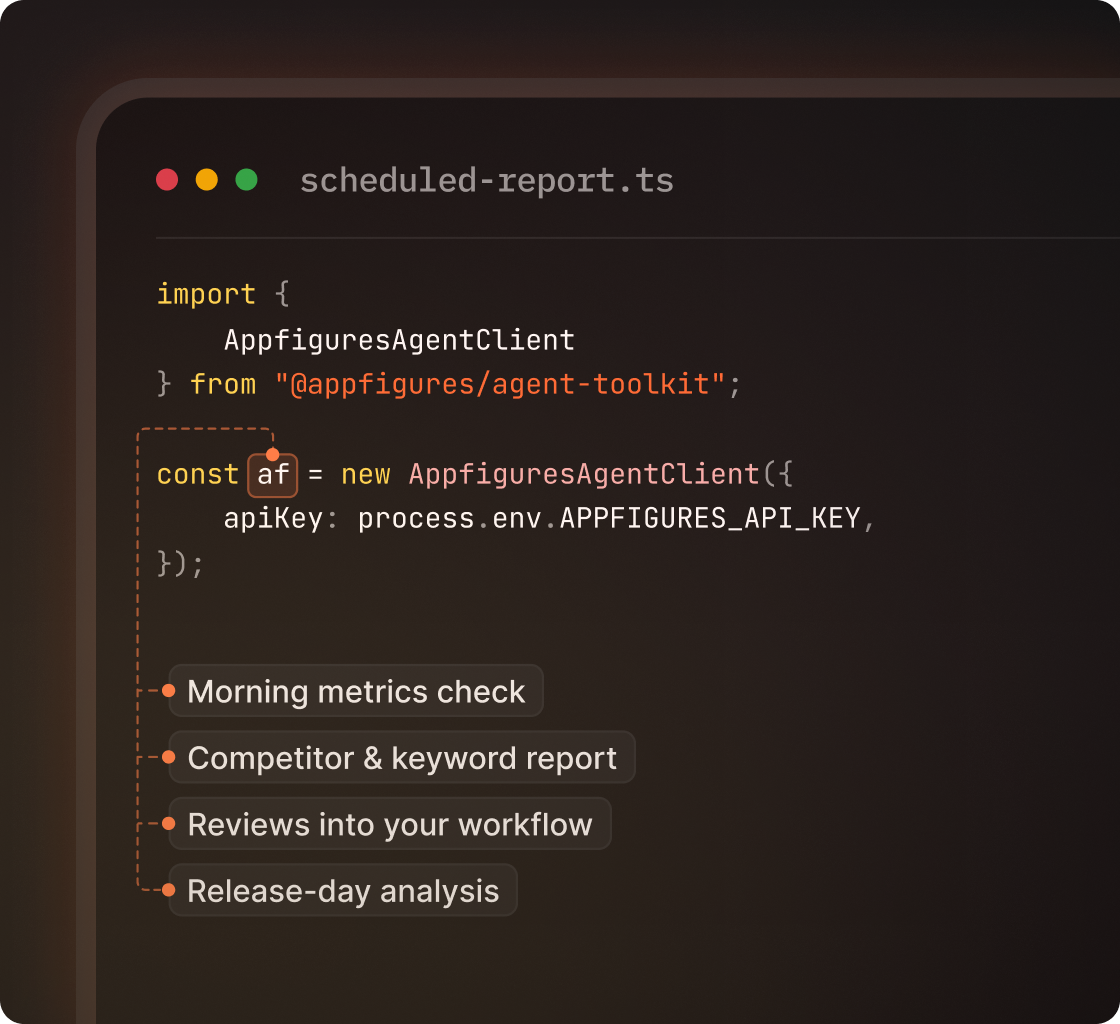
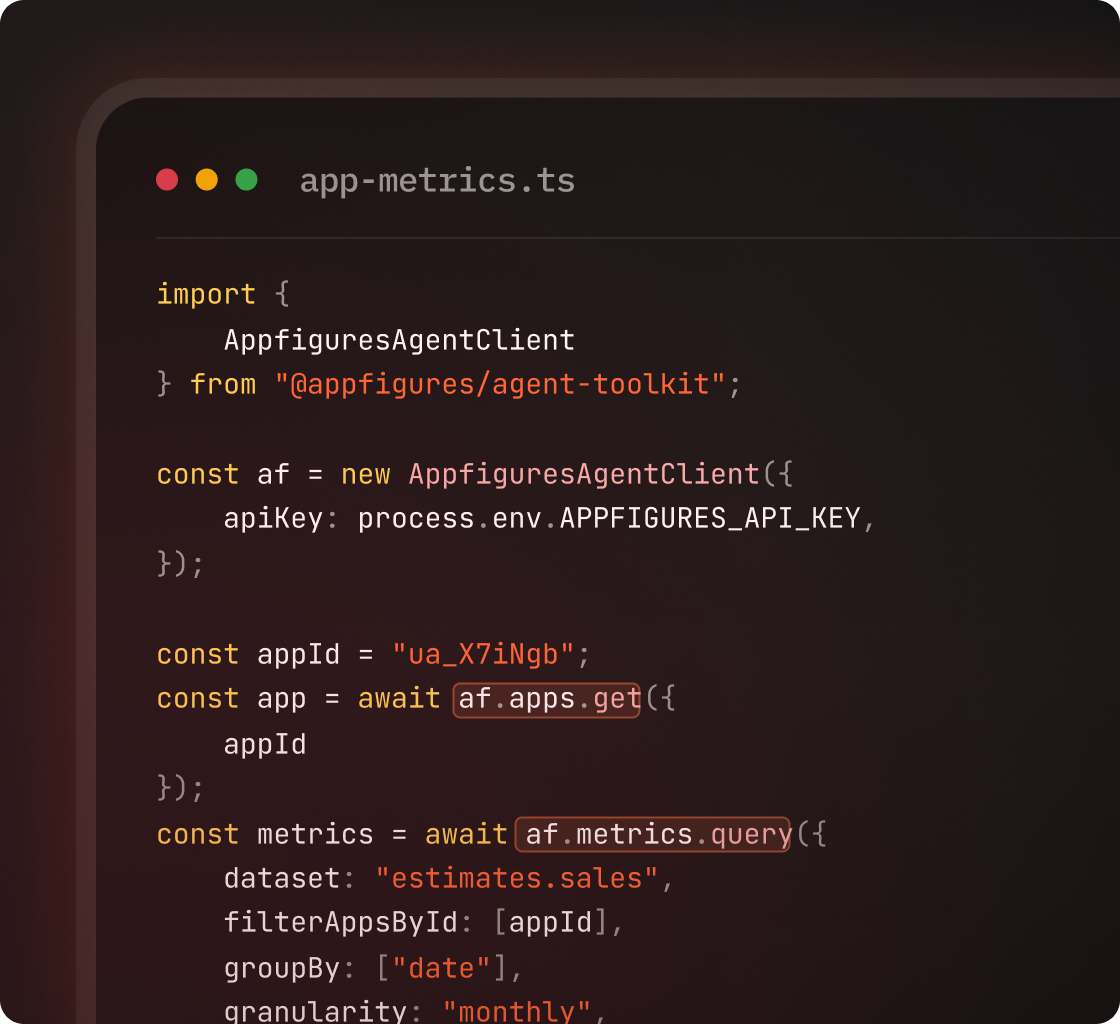
Copyconst af = new AppfiguresAgentClient()
const { results } = await af.apps.search({ q: 'spotify' })
console.log(results[0].downloads_last_month)
Looking to connect your existing agent instead? Try our
MCP server
Works with your framework
Adapters for Vercel AI SDK, OpenAI, and LangChain. Keep your agent.

Instructions built in
Each tool explains when to call it and how to read the result.

Reads run, writes wait
Reads run automatically. Review replies and keyword tracking wait for approval.
Tools for your agent. A client for its code.
The Agent Toolkit gives you ready-made tools for your agent, product, or recurring workflow, plus the typed client behind them. Use the tools with your framework, or write code against the same typed foundation.
Give your agent ready-made tools
Hand the tools to your framework. Each one includes a function and usage guidance.
Chat agents built on Vercel AI SDK, OpenAI, or LangChain, with Appfigures tools.
Run workflows with a typed client
The tools' typed client lets your agent write code and get typed data.
Coding agents and teams using Appfigures data in scripts or scheduled reports.
Work with the framework you use
Use ready-made Appfigures tools with the framework you already use. Each tool includes guidance on when to call it and how to read the result, so your agent can work with app data without rebuilding API access.
Build repeatable workflows your agent writes
Not every workflow needs a conversational agent. When your agent writes a TypeScript script or scheduled job, it uses the typed client with the same actions, typed inputs and results, and one error type.
Every Appfigures data set, for any app
Import the toolkit and call the same Appfigures actions from your agent or workflow. It covers app lookup, metrics, reviews, keywords, related keywords, Apple Ads, cross-usage, and demographics through the typed client and supported tool adapters. Estimates, ranks, reviews, and keywords work for any app, while store-reported sales need a linked account.
What your agent can answer
Ask about any app on any major store.
“How many downloads and how much revenue is Spotify pulling in?”
“Is Headspace growing or shrinking over the last six months?”
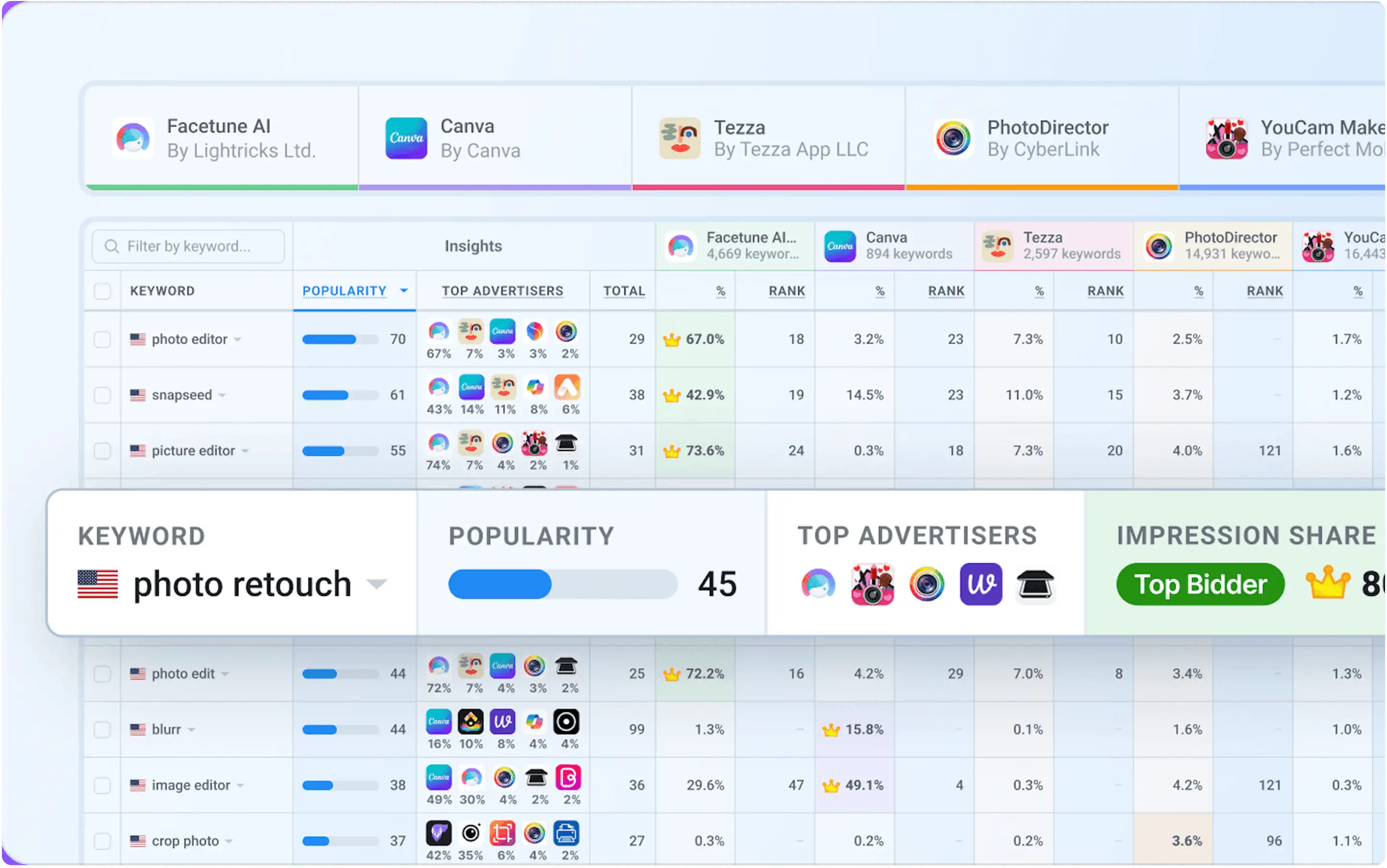
“Who's advertising on ‘meditation’, and how dominant are they?”
“What keywords does Duolingo rank for that we don't?”
“What are users complaining about in an app's newest 1-star reviews?”
“Who actually uses ChatGPT: their age, gender, and what else they use?”
“How are downloads and revenue trending across all my apps this month versus last?”
“Which of my tracked keywords have the most traffic but the least competition?”
“Which US iOS games earned the most this month, and who's behind them?”
“How much of my revenue comes from the App Store versus Google Play?”
“Compare my keyword rankings with my top competitor's.”
“Which SDKs do apps usually ship alongside OneSignal?”
“Estimate my top competitors' monthly downloads and revenue.”
“How much am I spending on ads each day, and how does that line up with downloads?”
“How do my category ranks compare across the US, UK, and Japan right now?”
“Find iOS apps using Firebase that earn more than $1M a month in the US.”
“Which of my apps slipped the most last month, and do the reviews hint at why?”
“What keywords does my app rank for in the US, and at what positions?”
Install the toolkit and start building
Published on npm for TypeScript builders. Requires Node 20 or newer.
Build the agent. Use Appfigures for the app intelligence.
The API gives you data. The Toolkit gives your agent tested tools, built-in guidance, framework adapters, and approval before writes, so you can focus on the experience you are building.
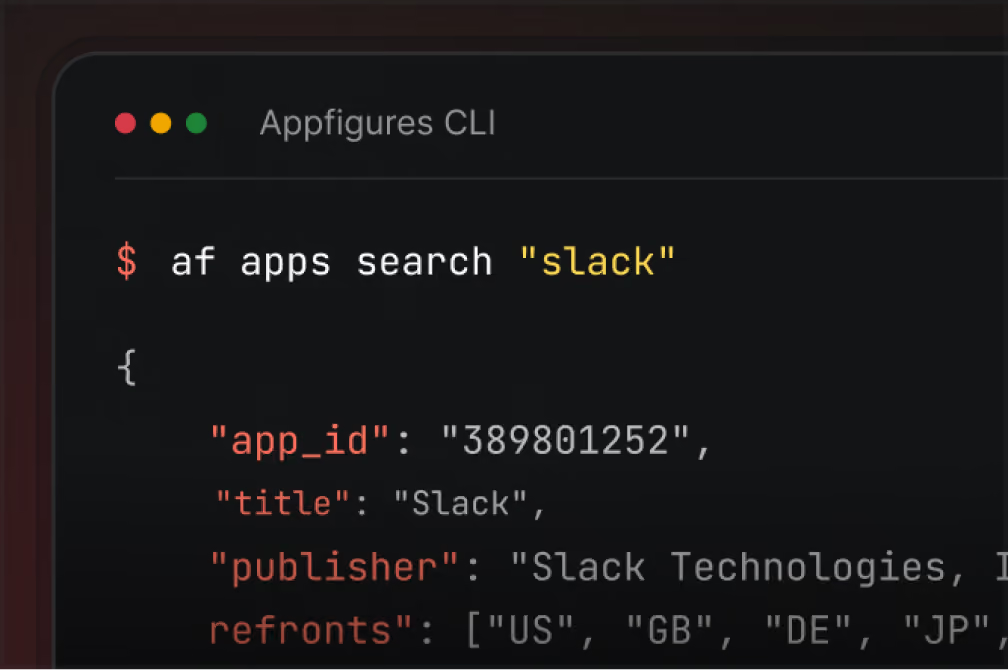
CLI
Run Appfigures commands from your terminal or a coding agent to pull app data without leaving your workflow.
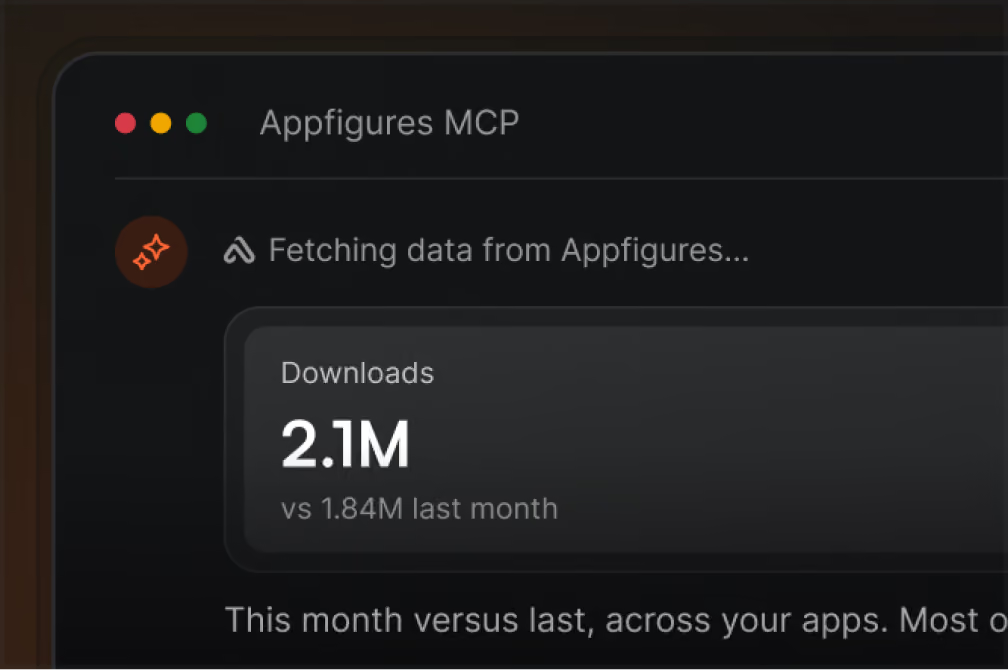
MCP Server
Connect a compatible AI tool you already use to Appfigures, so it can work with app intelligence directly.
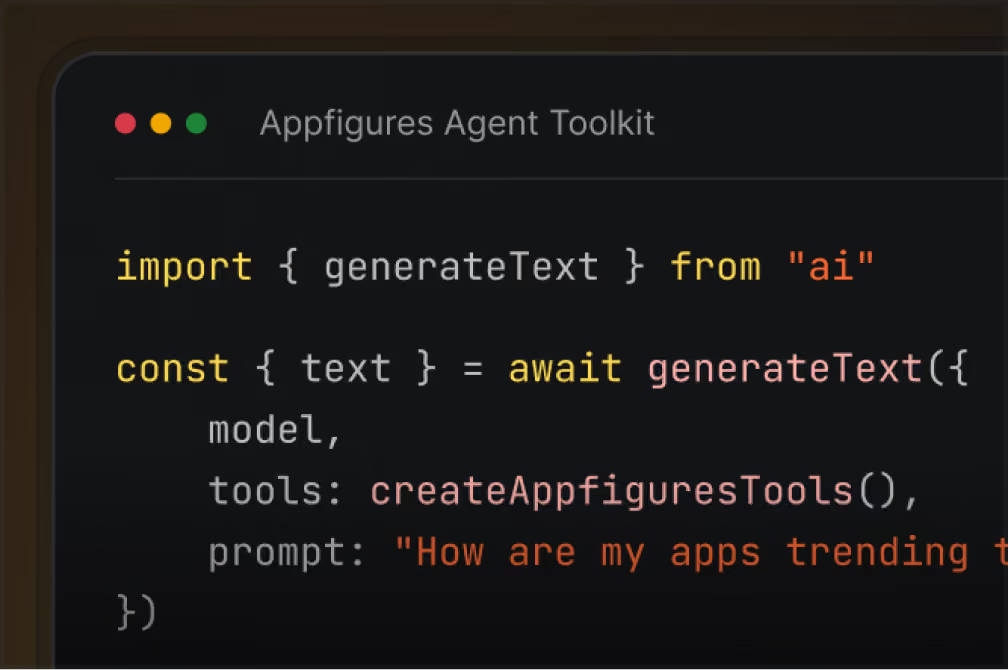
Agent Toolkit
Give your agent ready-made tools, or let it write code through the typed client.
AI Agent
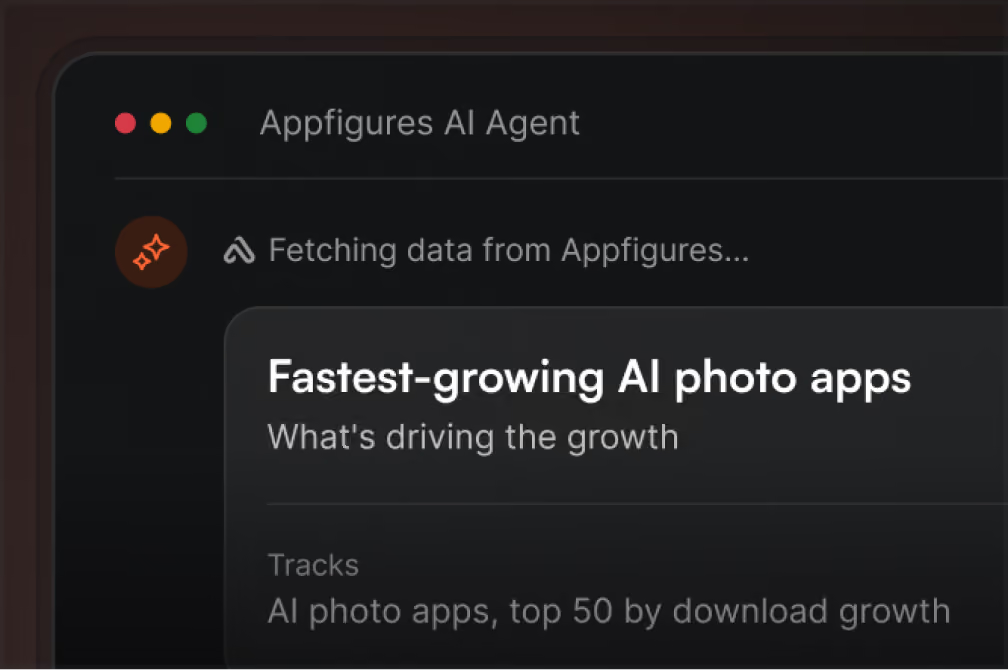
Use Appfigures’ own high-level app expert to get answers about the app market without building anything yourself.
Start with the Agent Toolkit
Start with the same Appfigures actions that power the CLI, then use the Toolkit to build the agent, automation, or product your team needs.
Read the documentationChoose the way you work with Appfigures AI

AI Agent

CLI

MCP Server

Agent Toolkit
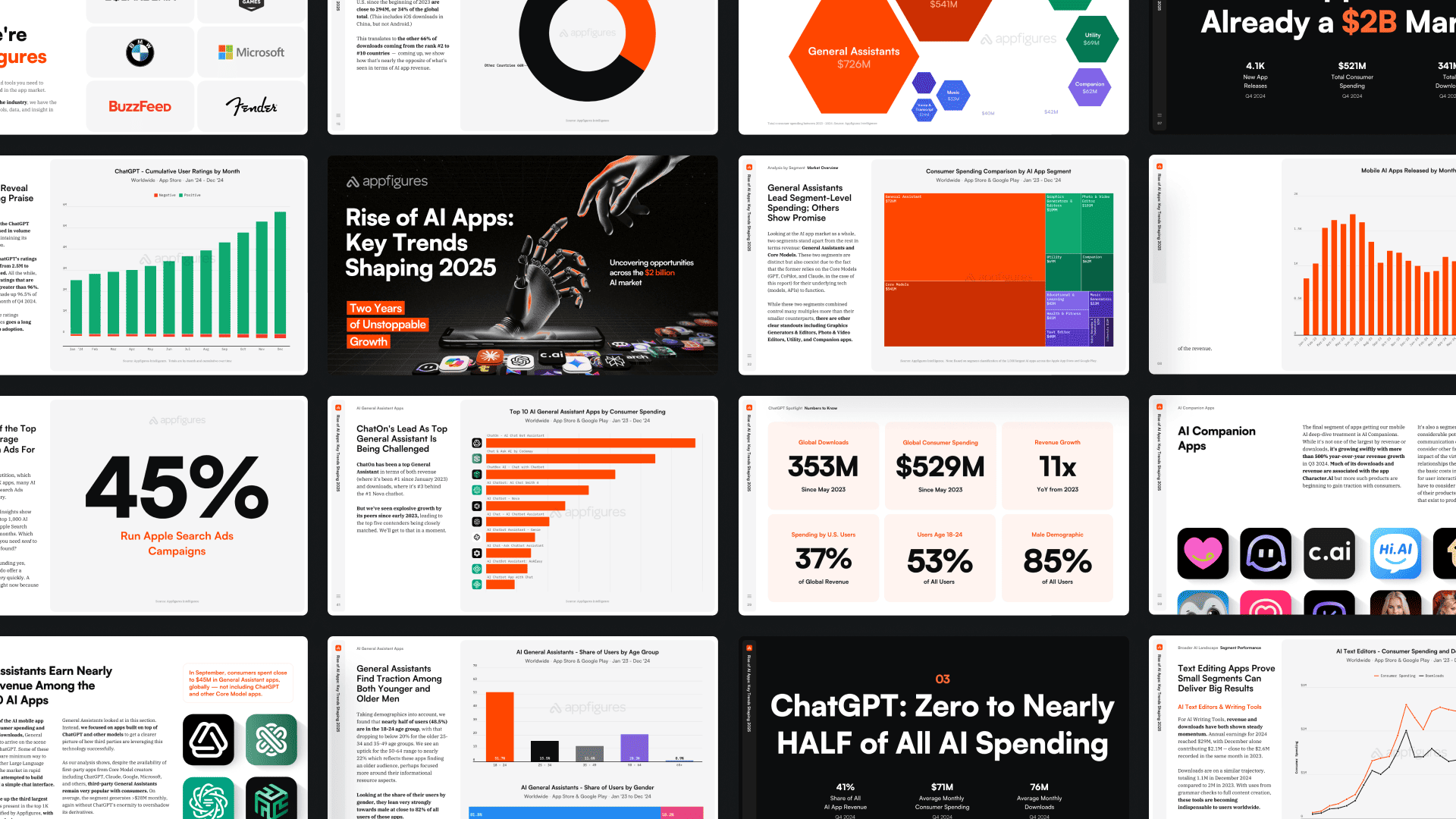
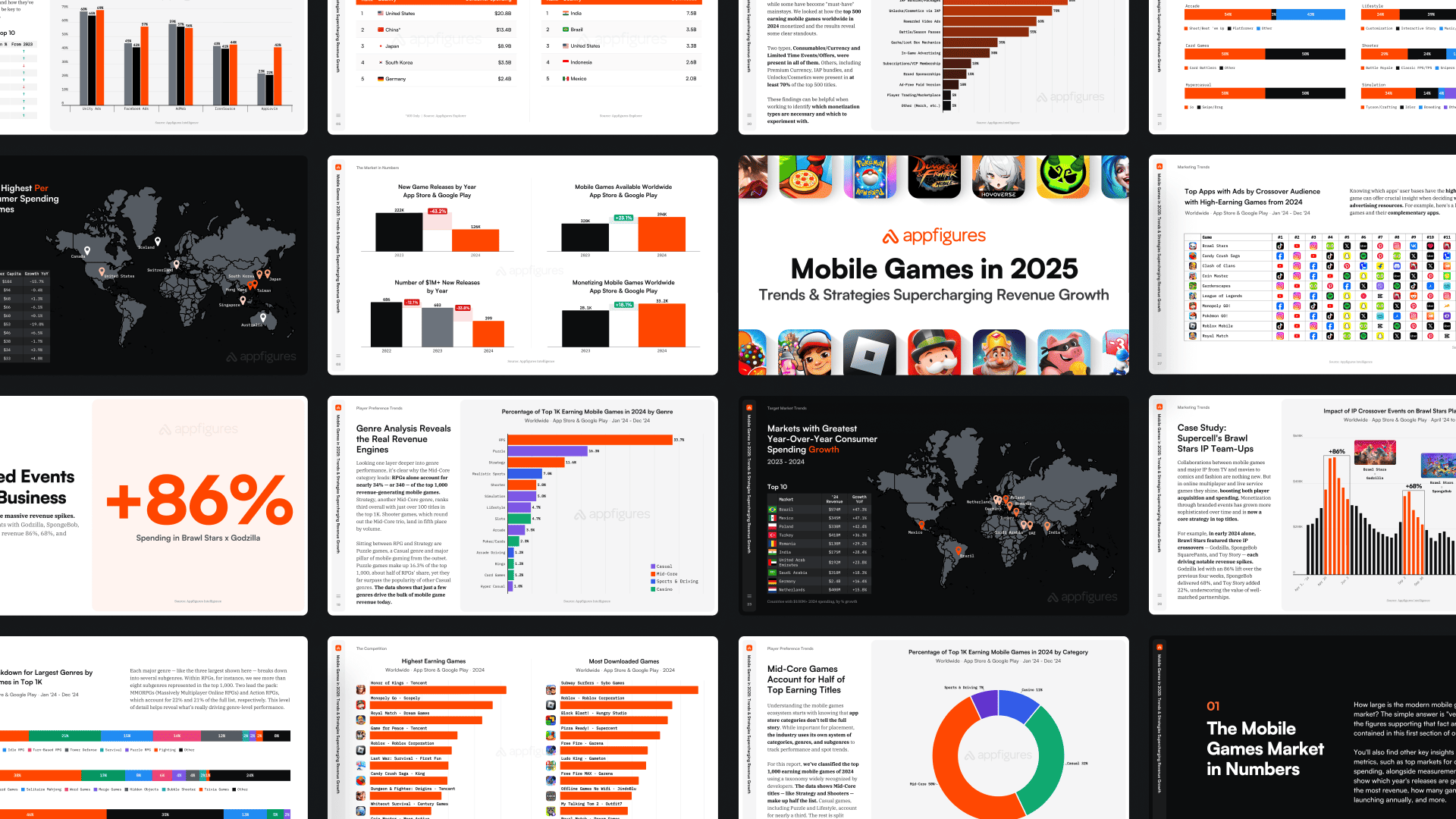
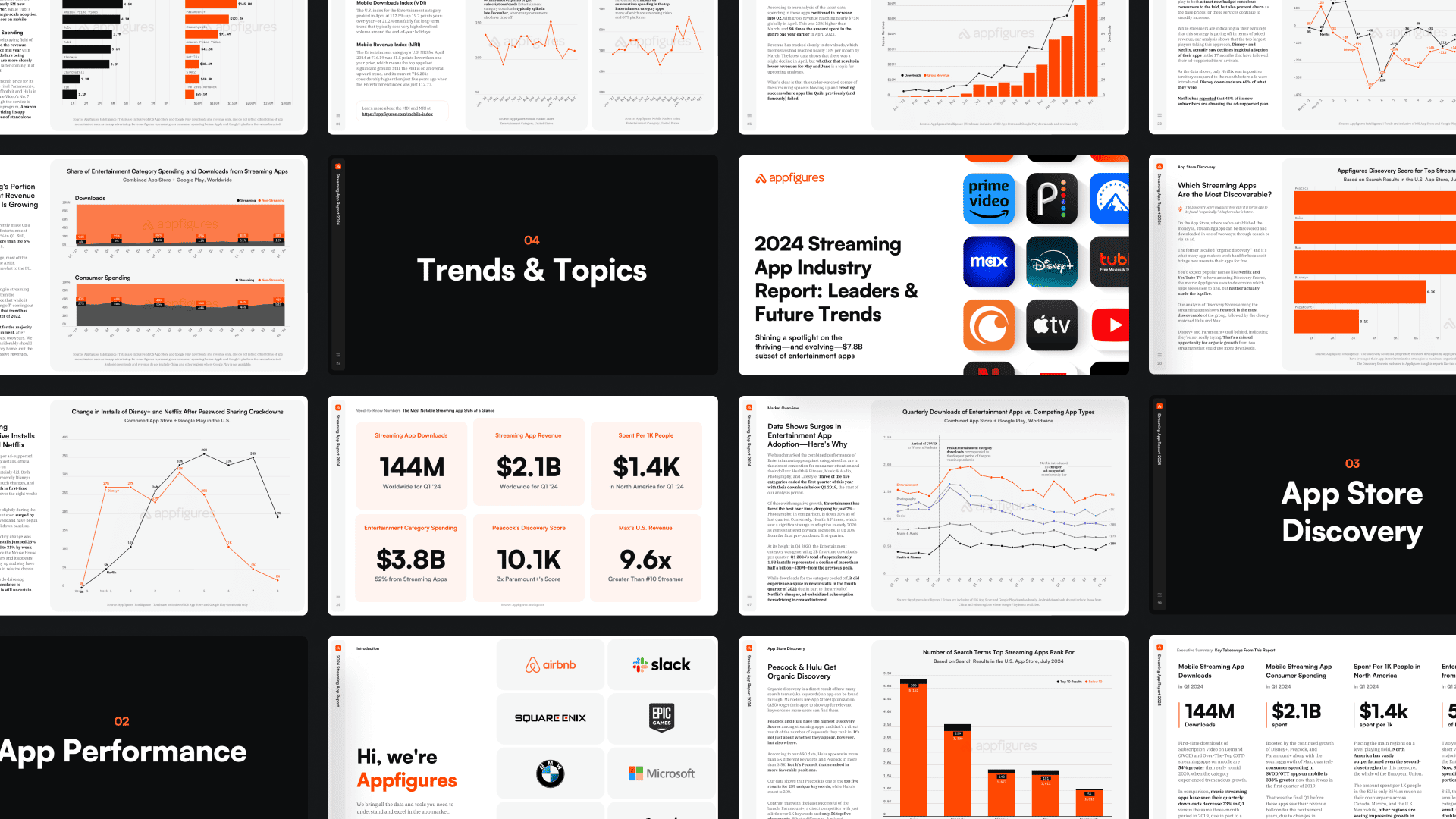
Understand the Market
Dive into industry reports, trend analyses, and growth forecasts to uncover opportunities and make smarter decisions with Appfigures.
Build with Appfigures intelligence
The Agent Toolkit is for developers and teams putting Appfigures data inside an agent, product, or recurring workflow.


Powering growth for 300,000+ apps worldwide
















Get started for free
Try Appfigures with our free Starter plan and track up to 5 apps. Upgrade anytime to unlock advanced insights, more apps, and premium features.
Learn From Proven Strategies
Explore expert insights, practical guides, and real-world examples designed to help you grow, optimize, and make smarter decisions.



This Week in Apps
Join Ariel’s weekly newsletter for clear, useful insights on how apps grow. Backed by real data.


